
Load balancer scenarios
This section outlines the various scenarios around managing load balancer configurations.
Create load balancer configuration
OpenEverest administrators can predefine load balancer configurations suitable for their infrastructure, allowing all OpenEverest users to use them later without having to define rules for each database cluster creation.
Key characteristics:
-
Load balancer configuration has a globally unique name across the entire OpenEverest deployment.
-
It can be applied to the DB Proxy component for any supported database engine.
-
It is not associated with a specific namespace, so the resource is cluster-scoped.
-
It consists of a set of key-value pairs representing annotations that need to be applied to the appropriate load balancer.
-
Annotation values support Go templating syntax, allowing dynamic value injection based on the target DatabaseCluster’s fields (such as
.ObjectMeta.Name,.ObjectMeta.Namespace,.Spec.Engine.Version, etc.).
After all required values are configured, the OpenEverest administrator saves the configuration to make it available for use throughout the platform.
Restrict access to load balancer configurations with Role-based access control (RBAC) policies
For security, the OpenEverest administrator can limit access to specific load balancer configs, including the ability to apply or modify them. This is achieved using OpenEverest’s RBAC (Role-Based Access Control) system.
Key characteristics:
RBAC policies apply to the entire load balancer configuration, including all key-value pairs in the template.
It is not possible to assign access control to individual key-value pairs within a specific load balancer configuration.
Restrict usage of load balancer configs
Here’s the most common Role-Based Access Control (RBAC) scenario for LoadBalancer configuration and how you can set it up:
The OpenEverest administrator can manage (create/edit/read/delete) load balancer configuration for specific OpenEverest users only. The rest of the users can only read load balancer config content and can apply existing configs when provisioning database clusters, but cannot modify them.
To achieve this, the following RBAC policy is defined:
p, alice, load-balancer-configs, *, *
p, role:team-dev, load-balancer-configs, read, *
Apply load balancer configuration to a new database cluster
Important
Only one load balancer configuration can be applied to a load balancer at any given time.
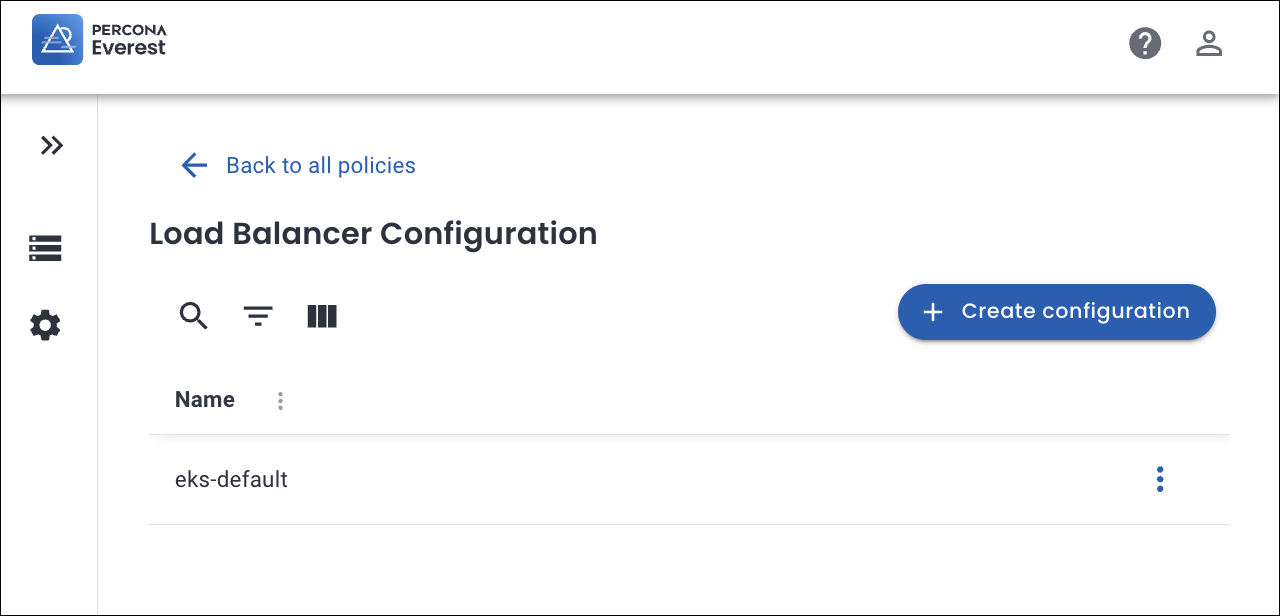
While creating a new database cluster, a user can expose it using the load balancer and apply the configuration to it.
-
If RBAC is disabled: The system will display all existing load balancer configurations.
-
If RBAC is enabled: The system will only show the load balancer configurations that the user can access (with read permissions).
For more information, see the Creating and managing load balancer configurations section.
Apply load balancer configuration to an existing database cluster
Important
Only one load balancer configuration can be applied to a load balancer at any given time.
Users may want to change the load balancer configuration applied to an existing load balancer.
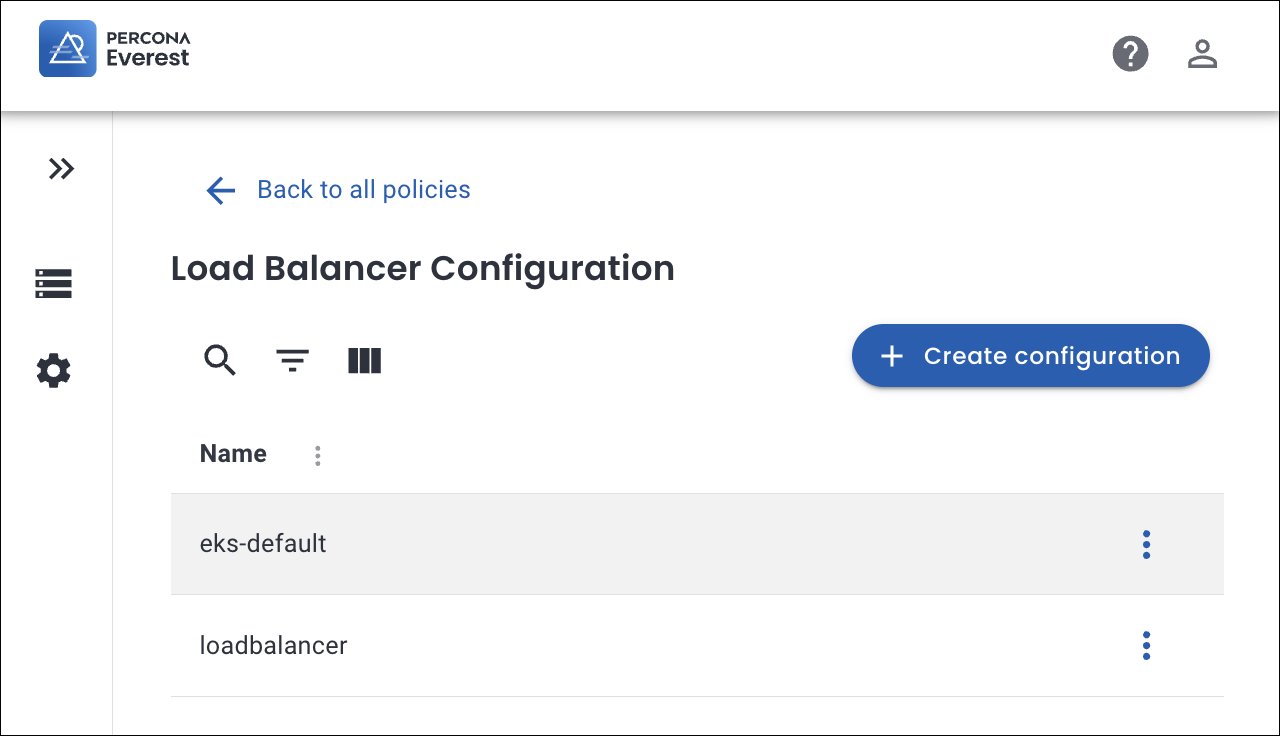
For detailed information, see the Manage load balancer configurations section.
Within the load Balancer configuration section, users can select a different config:
- If RBAC is disabled: All existing load Balancer Configs are visible.
- If RBAC is enabled: Only the load Balancer Configs the user has read access to will be displayed.
After selecting a new load Balancer config, the user can save the changes:
-
If a new config is selected, the system applies it to the load balancer.
Note
This change does not trigger a database restart.
-
If the user cancels the changes, no updates are applied.
Use Go templates for dynamic values
Load balancer configurations support Go templating, enabling administrators to create reusable configurations that inject cluster-specific values dynamically.
Key characteristics:
- Templates are evaluated when the configuration is applied to a specific DatabaseCluster.
- The entire
DatabaseClustercustom resource is available as the template context. - Common fields include
.ObjectMeta.Name,.ObjectMeta.Namespace, and.Spec.Engine.Version.
Example use case:
When integrating with ExternalDNS, you can define a single load balancer configuration that generates unique hostnames for each database cluster:
external-dns.alpha.kubernetes.io/hostname: "{{ .ObjectMeta.Namespace }}-{{ .ObjectMeta.Name }}.example.org"
When applied to a DatabaseCluster named my-postgres in the production namespace, this template resolves to:
external-dns.alpha.kubernetes.io/hostname: "production-my-postgres.example.org"
This eliminates the need to create separate load balancer configurations for each database cluster.
Manage load balancer configuration
As infrastructure requirements or usage patterns change, there may be a need to modify or remove existing load Balancer Configurations. OpenEverest enables administrators, as well as any users with the appropriate RBAC permissions, to update or delete load Balancer Configurations directly from the OpenEverest UI.
Modify load balancer configuration
A OpenEverest Admin may need to adjust a load Balancer config by adding, modifying, or removing annotations.
If a LoadBalancer configuration (LBC) is used by any existing database, any changes made to the LBC will automatically apply to all database clusters that use it.
Delete load balancer configuration
When a load Balancer configuration is no longer needed, the OpenEverest admin can delete the load balancer configuration.
If a LoadBalancer configuration (LBC) is used by any existing database, any changes made to the LBC will automatically apply to all database clusters that use it.