Provision a database
Provisioning a database instance involves setting up and configuring a database instance on the Percona Everest platform.
Procedure
To provision a new database:
-
Log into the Percona Everest UI.
-
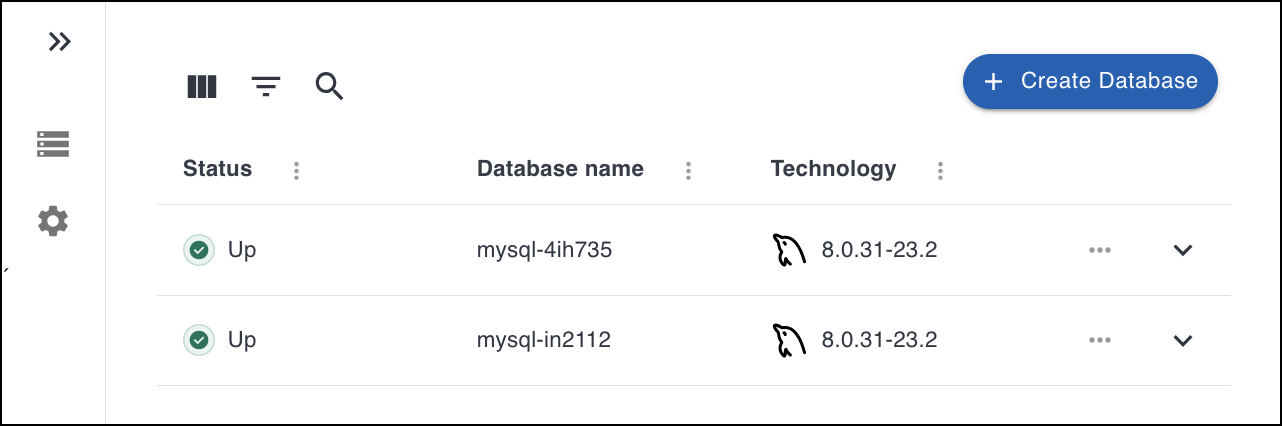
On the Percona Everest homepage, click Create Database to display the Basic information page:
-
Select the Database type: PostgreSQL, MySQL, or MongoDB.
-
Choose a name for your database. The name is auto-populated, but you can modify it according to your needs.
-
Select the Database version from the dropdown.
-
In the Storage class field, select one of the classes created by your Kubernetes administrator. Storage classes define what storage configuration and features will be used for storing your database data. Different classes map to different quality-of-service levels, backup policies, persistent volumes, or to arbitrary policies determined by your cluster administrator. For more information, see Storage Classes in the Kubernetes documentation.
-
Click Continue to go to the Resources page.
-
Select the Number of nodes. Also, set the resources per node by selecting one of the predefined presets or by specifying the CPU, Memory, and Disk. For more information on resources, see the Scale database deployment.
-
Click Continue to navigate to the Backups page where you can set up a schedule and specify a storage location if you wish to run backup jobs for your new database.
-
On the Advanced Configurations page, you can enable external access and database engine parameters by turning the toggle button on.
-
If you’ve enabled monitoring during CLI provisioning, the Monitoring option will show as active on the last page of the wizard, and you can disable it if required.
-
Click Create Database.
-
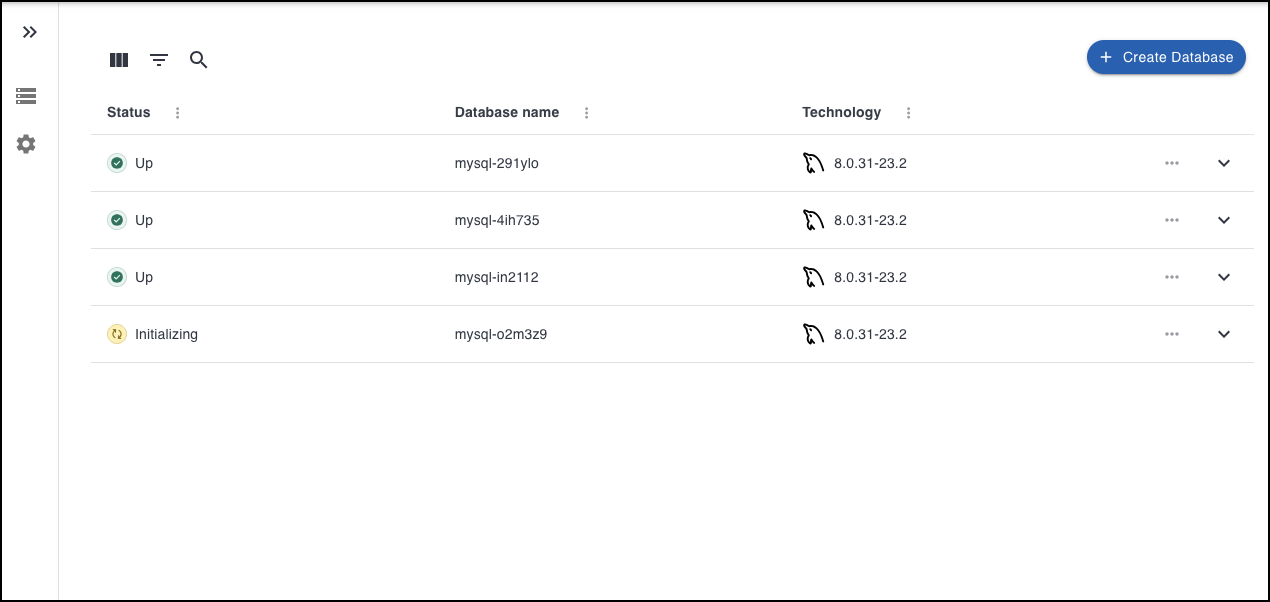
Click Go to list of my databases to see the database that you provisioned.
Video tutorial
You can also learn about creating databases by checking the video tutorial below:
Get expert help
If you need assistance, visit the community forum for comprehensive and free database knowledge, or contact our Percona Database Experts for professional support and services.