Create backups
You need a backup storage in the instance's namespace and a provider that supports backups.
Take a backup now
- Open the instance and go to the Backups tab.
- Click Create backup.
- Enter a Backup name, and select the Backup storage and the Backup class. The backup class is pre-selected when the provider has only one.
- Click Create.
The backup appears in the list with its Status, Storage, Started and Finished times and Size. It is usable for restores once its status is Succeeded.
Schedule backups
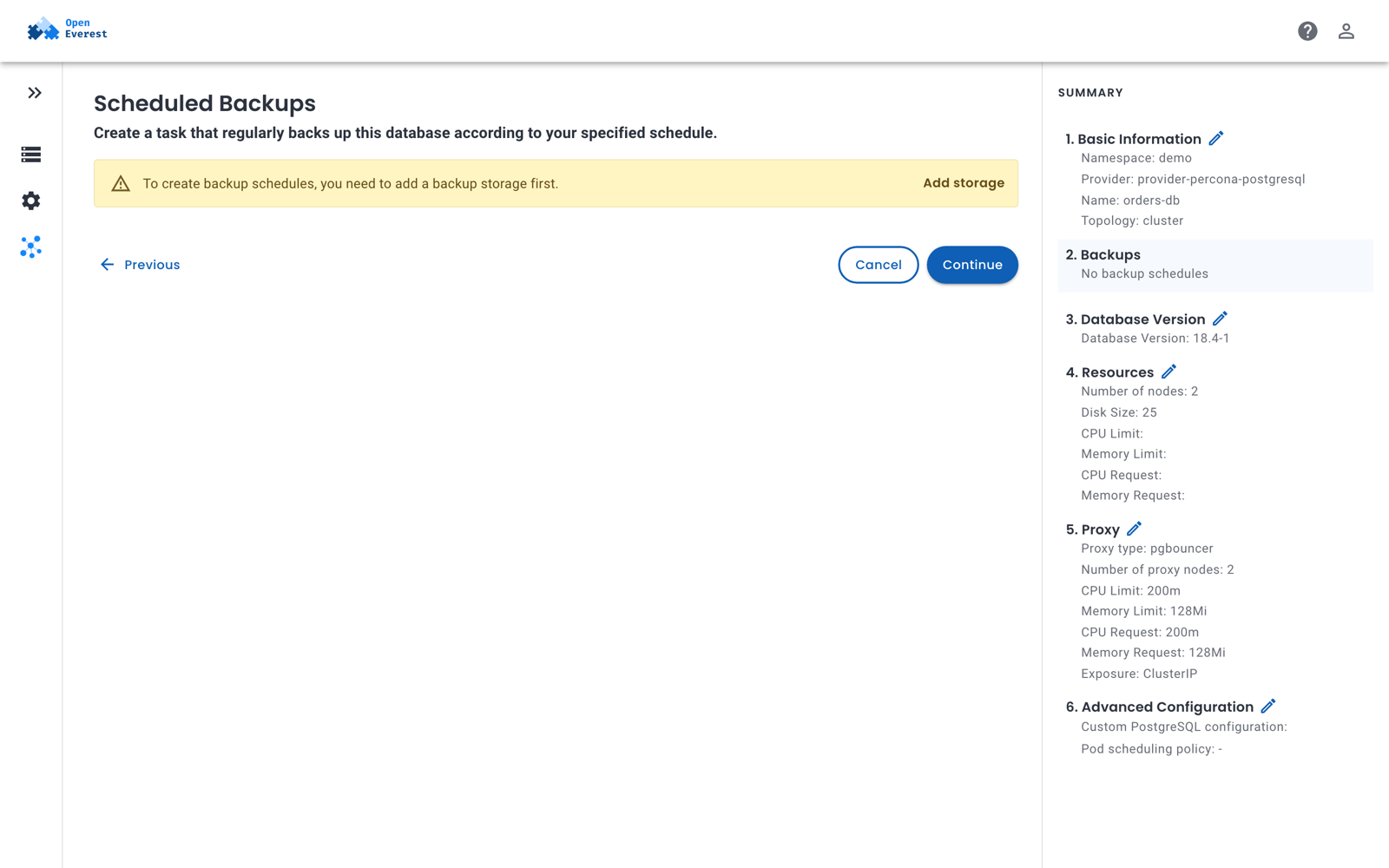
You can add schedules when you create an instance — in the Backups step — or later on the instance's Backups tab.
- Click Create backup schedule.
- Enter a name for the schedule and select the Backup storage.
- Set when the backup runs, for example every day at 02:00.
- Set Retention copies — the number of backups of this schedule to keep.
0keeps all of them. - Click Create.
An instance can have several schedules, for example hourly backups kept for a day and daily backups kept for a month, each writing to a different storage.
Time-based retention
Instead of keeping a number of backups, you can keep backups for a period, such as 30 days. Time-based retention is set with kubectl and is supported only by providers whose engine supports it — for example PostgreSQL. Providers that don't support it report this in the instance's BackupConfigured condition.
retention:
  type: time
  duration: 30d   # days (d), weeks (w) or months (m)
Configure backups with kubectl
Backups are configured in the spec.backup section of the instance. Each storage entry can have its own schedules and point-in-time recovery settings:
apiVersion: core.openeverest.io/v1alpha1
kind: Instance
metadata:
  name: orders-db
  namespace: demo
spec:
  providerRef:
    name: provider-percona-postgresql
  backup:
    enabled: true
    classRef:
      name: pg                 # kubectl get backupclasses
    storages:
      - storageRef:
          name: s3-backups
        schedules:
          - name: daily
            enabled: true
            cron: "0 2 * * *"
            retention:
              type: count
              count: 7
        pitr:
          enabled: true
To take a backup on demand, create a Backup:
apiVersion: backup.openeverest.io/v1alpha1
kind: Backup
metadata:
  name: orders-db-before-migration
  namespace: demo
spec:
  origin:
    type: Instance
    instanceRef:
      name: orders-db
  classRef:
    name: pg
  storageRef:
    name: s3-backups
kubectl get backups -n demo
Some backup classes accept extra parameters in spec.parameters, for example the backup type (full, diff or incr for PostgreSQL). Check them with kubectl get backupclass pg -o yaml.
Delete a backup
On the Backups tab, open the menu of a backup and select Delete. Select Delete backups storage data to also remove the backup's files from the bucket; otherwise, they stay in the bucket.
With kubectl, the same choice is the backup's spec.deletionPolicy: Delete (default) removes the data, Retain keeps it.