Manage backup storage
Managing backup storage allows you to edit or remove existing S3 storage configurations used for database backups, helping you keep your backup environment organized, secure, and up-to-date.
Edit backup storage
To edit a backup storage configuration:
-
Go to Backup storage settings:
Navigate to OpenEverest home page and select ⚙️ Settings > Backup storages. Then click on the ellipsis (three dots) next to the storage you want to modify.
-
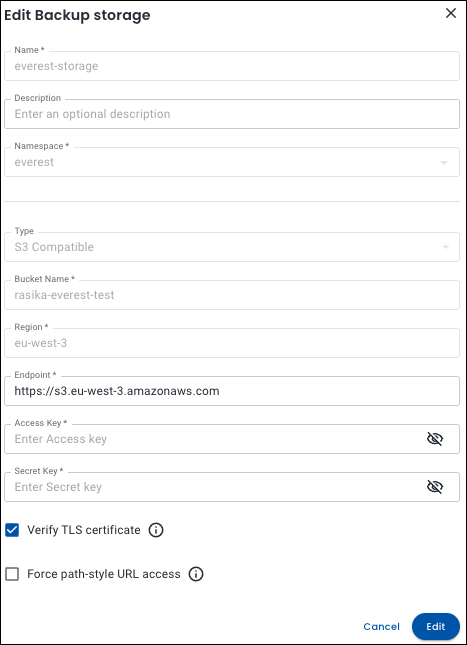
Click Edit. The Edit Backup storage pop-up will open.
-
Make your changes and click Edit to save your configuration.
Delete backup storage
To delete a backup storage:
-
Go to Backup storage settings:
Navigate to OpenEverest home page and select ⚙️ Settings > Backup storages. Then click on the ellipsis (three dots) next to the storage you want to delete.
-
Click Delete. The Delete storage confirmation pop-up will open.
-
Click Delete. The backup storage will be deleted.